 Cal LabPro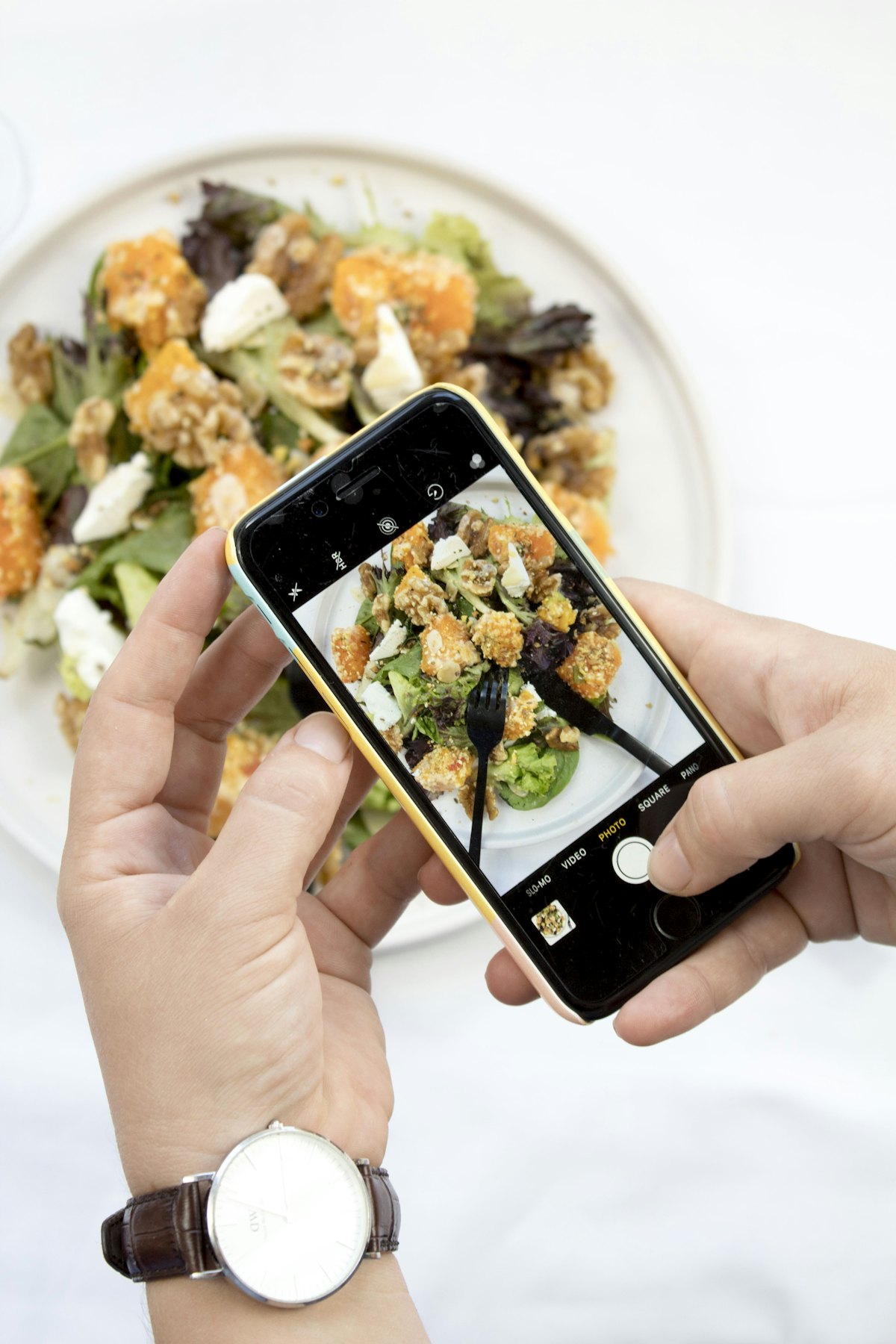
Tap a question to see the answer. When you email us, tell us your phone model and what happened, and include a screenshot if you can.
Scanning
How do I scan a plate?
On the Diary screen, tap + on a meal and choose the plate scan. Take a clear photo from above, in good light, with all the food in the frame. Check the foods and amounts, give the meal a name, and add it.
The numbers look wrong
AI estimates are a starting point. You can edit or remove any food before adding it. For packaged food, the barcode scan is usually the most accurate.
Why can't I scan any more today?
The free plan includes 3 AI plate scans a day, and the count starts again at midnight. Premium gives you unlimited scans.
Premium and payments
How do I cancel?
- iPhone: Settings → your name → Subscriptions → Cal LabPro → Cancel subscription.
- Android: Google Play → your profile icon → Payments & subscriptions → Subscriptions → Cal LabPro → Cancel.
Deleting the app or your account doesn't cancel a subscription.
I paid but I don't have Premium
Open the Premium screen in the app and tap Restore purchases. Make sure you're signed in to the same Apple or Google account you paid with.
Can I get a refund?
Payments are taken by Apple or Google, so refunds go through them: reportaproblem.apple.com for iPhone, or Google Play's refund page for Android.
Invites
How do invites work?
Share your invite code from Profile → Invite friends. When a friend joins with your code, you both get free Premium time. Your friend needs to enter the code when they sign up, or within 7 days after.
Reminders
How do I set a meal reminder?
Tap Add reminder next to a meal on the Diary screen and pick a time.
I'm not getting reminders
Check that notifications for Cal LabPro are allowed in your phone's settings, and that reminders are turned on in Profile.
Apple Health and Health Connect
How do I connect?
In Profile, turn on Sync with Apple Health (iPhone) or Sync with Health Connect (Android) and allow access. Cal LabPro reads your steps and calories burned to add to your daily budget, and can import and save your weight.
I can't find Health Connect on my Android phone
Health Connect is built into Android 14 and later. On older phones, install the Health Connect app from Google Play first.
Your account
I forgot my password
On the sign-in screen, tap Forgot password? and we'll email you a 6-digit code. Check your spam folder if you can't find it.
How do I delete my account?
In the app, go to Profile, then Delete account. See Delete your account for the full details.
Still need a hand?
Email us. We usually reply within 2 business days.