

 Cal LabPro
AI plate scan
One photo of your plate becomes a full list of foods, calories, protein, carbs and fat.
Snap your plate and Cal LabPro works out the calories, protein, carbs and fat in seconds.
How it works
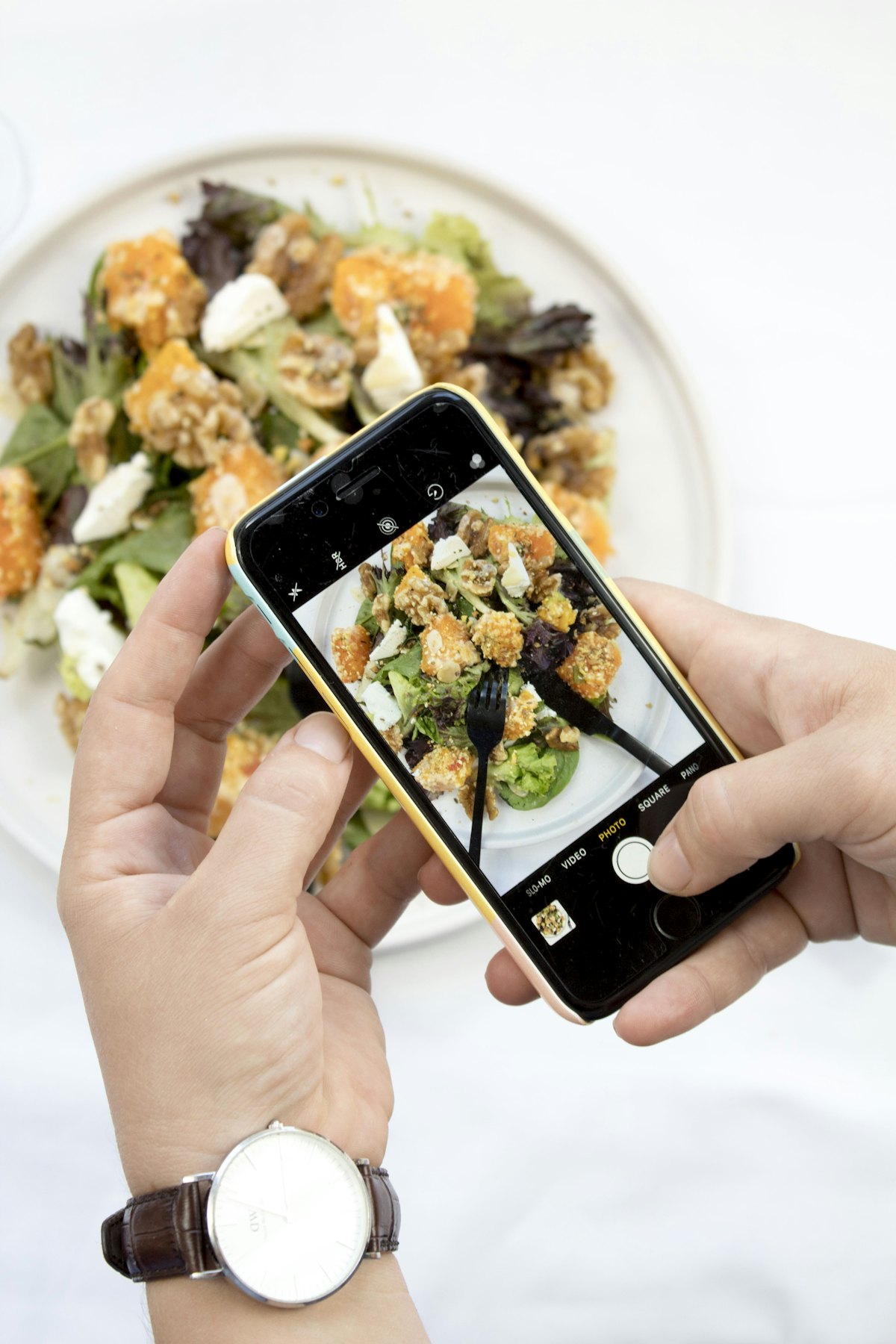
Take a photo of your meal from above. Got something packaged? Scan the barcode instead.
The AI lists every food with its calories and macros. Change an amount or remove a food in a tap.
Add it to breakfast, lunch, dinner or snacks and watch your day fill up against your goal.
Everything you need
One photo of your plate becomes a full list of foods, calories, protein, carbs and fat.
Packaged food straight from the label, from a database of millions of products.
A gentle nudge at breakfast, lunch, dinner or snack time, so you never forget to log.
Keep your streak alive day after day, and share a card of your day with friends.
Steps and calories burned flow in and raise your daily budget automatically.
Every friend who joins with your code earns you both free Premium time.
Free to start
Try it free for 3 days. Cancel anytime.
FAQ
It's a strong starting point, and you can change any amount or food before adding it. For packaged food, the barcode scan reads the label, so it's the most accurate.
Yes. The free plan includes the food diary, barcode scan, reminders, streaks and 3 AI plate scans a day. Premium unlocks unlimited scans and more.
In your App Store or Google Play subscription settings. Step-by-step instructions are on our Support page.
They're analysed and then discarded; we don't keep them. Read more in our Privacy Policy.
Yes. Connect in Profile to bring in your steps and calories burned, and keep your weight in sync.
In the app go to Profile, then Delete account. Everything is removed straight away. More details.
Cal LabPro is coming soon to the App Store and Google Play.
Tell me when it launches